BrainFrame Applications
BrainFrame OS comes with applications and tools for managing your video analytics deployment.
Applications
Enter the IP address of the BrainFrame server in a browser to open the BrainFrame Web Client and access BrainFrame features: add video streams, configure capsules, draw zones, create alarms, and view detections.
Click Developer at the bottom left of the main menu to bring up the Developer References menu. Click a menu item to open the other BrainFrame applications and resources:
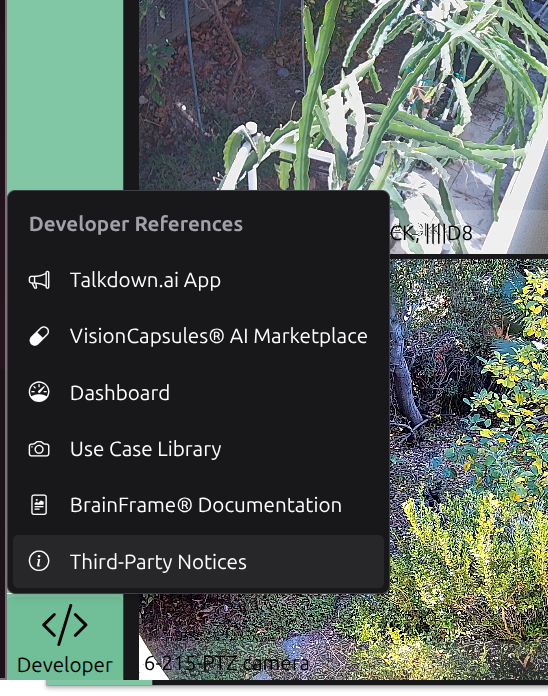
| Menu item | Opens |
|---|---|
| Talkdown.ai App | The Talkdown.ai App: react to BrainFrame alarms with email alerts, sounds, voice messages, and NVR clips. |
| VisionCapsules® AI Marketplace | The AI Marketplace: browse, download, and load VisionCapsules. |
| Dashboard | The Web Dashboard: inspect BrainFrame data. |
| Use Case Library | The Use Case Library: turn sample videos and images into RTSP streams for demos and testing. |
| BrainFrame® Documentation | This documentation. |
| Third-Party Notices | The licenses of the third-party software that BrainFrame uses. |
Command-line tools
- BrainFrame CLI: install and manage BrainFrame from the terminal.
- Dev Tools: onvif tools, REST API Apps, system tools, and capsule tools.