发送微信通知
引言
在本教程中,我们将为 BrainFrame 提供一个简单的使用案例: 在现金区没有收银员时,你会得到微信通知. 现在我们可以在我们的 GitHub存储库.
设置环境
在之前的教程中,我们安装了BrainFrame服务器,客户端和Python 在本教程中,我们将使用的API功能是:
api.set_stream_configuration(...)api.set_zone(...)api.get_latest_zone_statuses()api.get_zone_status_stream()
我们将使用第三方图书馆, 聊 发送
我们将使用微信安装 pip:
pip3 install itchat
我们还会使用我们公开可用的算法胶囊之一,
detector_people_and_vehicles_fast你可以从我们的手中拿出来.
下载页面.
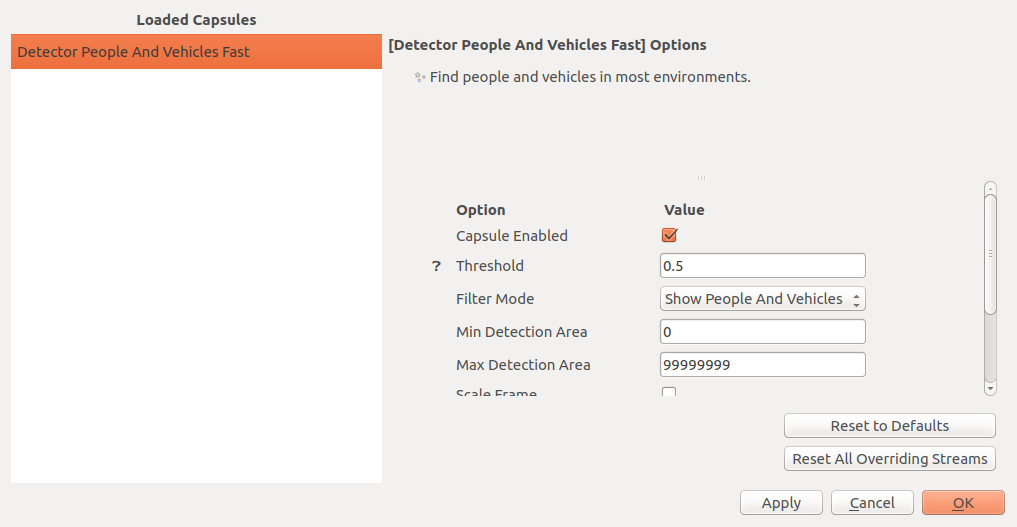
在我们开始之前,你应该运行了BrainFrame服务器和客户端, 算法胶囊准备好.
登录微信
像往常一样,我们将开始进口我们的依赖性:
from pathlib import Path
import itchat as wechat
from brainframe.api import BrainFrameAPI, bf_codecs
接下来,让我们登录我们的微信账户,
wechat.auto_login()
wechat.send_msg(f"Notifications from BrainFrame have been enabled",
                toUserName="filehelper")
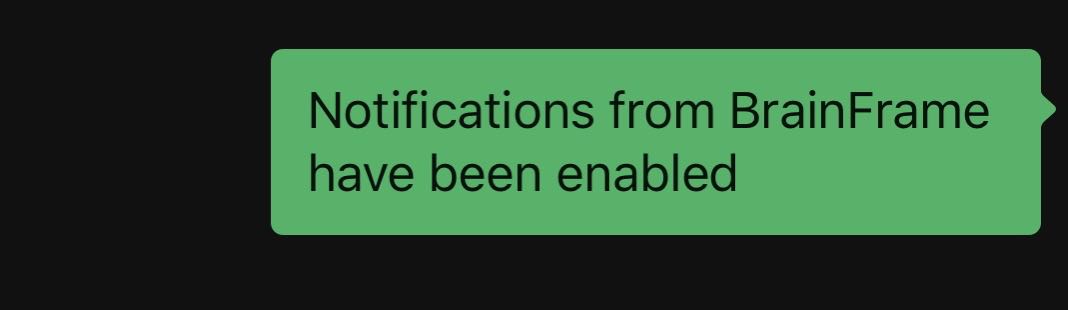
脚本将显示一个QR码,用微信应用程序扫描它,登录. 文件助手将接收信息.
从本地文件创建新的流
首先设置了BrainFrame URL:
api = BrainFrameAPI("http://localhost")
我们将重新使用在 上一个教程 创建流配置 我们将使用模拟视频文件来实现这一点. 虽然它可以使用现场视频流.
# Upload the local file to the BrainFrame server's database and get its storage
# ID
storage_id = api.new_storage(
    data=Path("../videos/shopping_cashier_gone.mp4").read_bytes(),
    mime_type="application/octet-stream"
)

# Create a StreamConfiguration with the storage ID
new_stream_config = bf_codecs.StreamConfiguration(
    # The display name on the client side
    name="Demo",
    # Specify that we're using a file
    connection_type=bf_codecs.StreamConfiguration.ConnType.FILE,
    connection_options={
        # The storage id of the file
        "storage_id": storage_id,
    },
    runtime_options={},
    premises_id=None,
)

# Send the StreamConfiguration to the server to have it connect
new_stream_config = api.set_stream_configuration(new_stream_config)

# Tell the server to start analysis on the new stream
api.start_analyzing(new_stream_config.id)
您可以从我们的 教程脚本库我们录制了一段视频. 模拟一个服务客户的收银员.
建立一个区域和设置警报
在 BrainFrame中,警报与区域相关,你可以配置它们 通过客户端或通过API. 区域 其他 警报 更多信息.
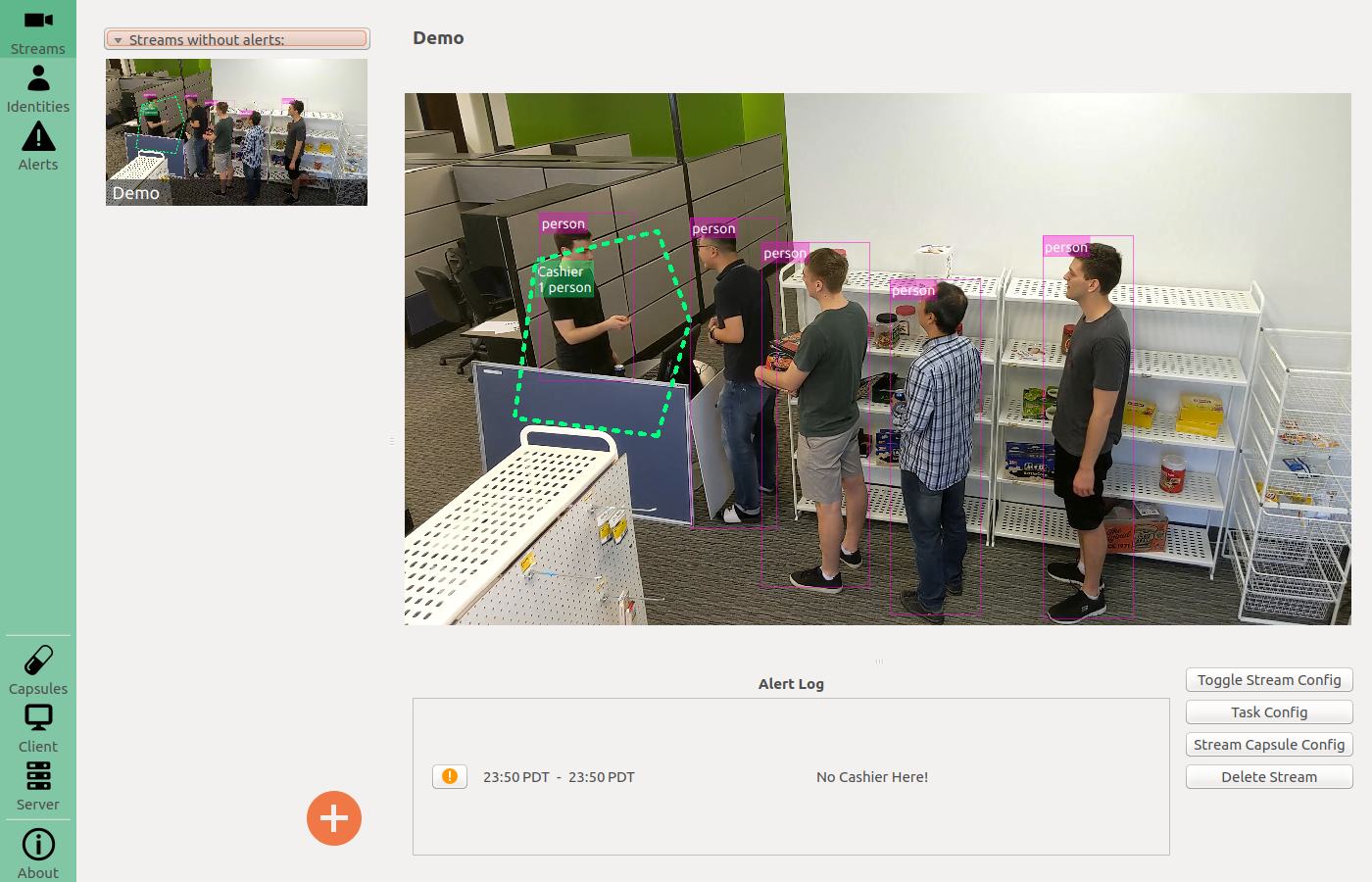
通过使用API,我们将在查询柜台周围建立一个区域, 如果没有人进入该地区,
# Condition for the Alarm that will trigger when there is <1 person in the zone
# that it is assigned to
no_cashier_alarm_condition = bf_codecs.ZoneAlarmCountCondition(
    test=bf_codecs.CountConditionTestType.LESS_THAN,
    check_value=1,
    with_class_name="person",
    with_attribute=None,
    window_duration=5.0,
    window_threshold=0.5,
    intersection_point=bf_codecs.IntersectionPointType.BOTTOM,
)

# Create the ZoneAlarm. It will be active all day, everyday and will be
# triggered if the detection results satisfy the condition we created. Because
# use_active_time==False, the active end/start times will be ignored.
no_cashier_alarm = bf_codecs.ZoneAlarm(
    name="Missing Cashier!",
    count_conditions=[no_cashier_alarm_condition],
    rate_conditions=[],
    use_active_time=False,
    active_start_time="00:00:00",
    active_end_time="23:59:59",
)

# Create a Zone object with the above alarm
cashier_zone = bf_codecs.Zone(
    name="Cashier",
    stream_id=new_stream_config.id,
    alarms=[no_cashier_alarm],
    coords=[[513, 695], [223, 659], [265, 340], [513, 280], [578, 462]]
)

# Send the Zone to BrainFrame
api.set_zone(cashier_zone)
在客户端中,你会看到该区域:
获取区域状态
在"BrainFrame"中,我们使用 ZoneStatus 代表推断的数据结构
现在我们可以用它来获得我们的图像.
我们可以使用API获取最新的信息 ZoneStatus BrainFrame的对象.
zone_statuses = api.get_latest_zone_statuses()
print("Zone Statuses: ", zone_statuses)
上面的代码将打印最新的 ZoneStatus 每个流程的物体
警告:它可能是非常长的数据结构,
根据有多少流量和哪些算法胶囊子被装载.
这就是最直接的方式来获得最新的推断结果 BrainFrame. 然而,每次想要新的函数,你必须调用这个函数 结果,这是一件麻烦.
其他 API 功能, get_zone_status_stream() 帮助缓解这一问题.
为了让我们能得到 ZoneStatus 它们的功能
BrainFrame每次出现一个新的结果
现在,它将被推到代器.
zone_status_iterator = api.get_zone_status_stream()
for zone_statuses in zone_status_iterator:
    print("Zone Statuses: ", zone_statuses)
通过此脚本将印出区域状态, 子,子,子,子,子
收到警报和发送通知到微信
我们可以通过区域状态包进行反复检查是否有任何警报 如果有,我们会发送一个 通知. 请注意,在本例中,警告只会触发 after 现金柜台回到了柜台,在外面的情况并不那么有用 脚本也只会发送一个通知之前 为了避免发送太多通知,
# Iterate through the zone status packets
for zone_status_packet in zone_status_iterator:
    for stream_id, zone_statuses in zone_status_packet.items():
        for zone_name, zone_status in zone_statuses.items():
            for alert in zone_status.alerts:
                # Check if the alert has ended
                if alert.end_time is None:
                    continue

                total_time = alert.end_time - alert.start_time
                # Check if the alert lasted for more than 5 seconds
                if total_time > 5:
                    alarm = api.get_zone_alarm(alert.alarm_id)
                    wechat.send_msg(
                        f"BrainFrame Alert: {alarm.name} \n"
                        f"Duration {total_time}", toUserName="filehelper")

                    # Stop here, for demo purposes
                    exit()
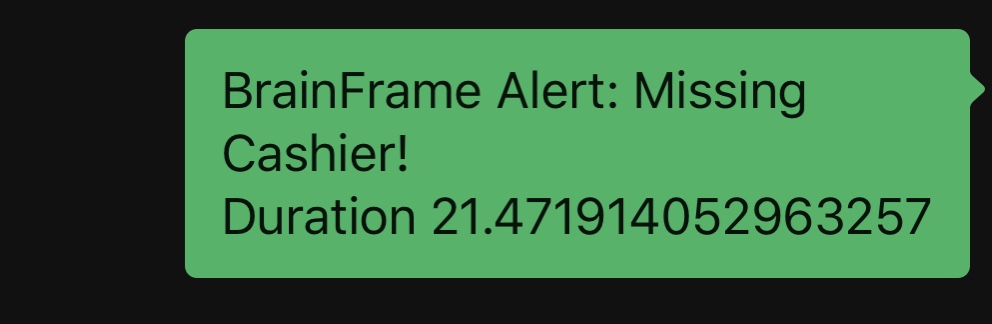
脚本将发送一个警报给你的微信文件助手,如果收银员已经 它们将会在循环中消失,
登录你的微信账户
最后,在我们退出脚本之前,请不要忘记登录你的微信账户.
放下以下代码 exit().
wechat.logout()